Learn Lab enhances expertise in the infrastructure sector through specialized training and hands-on programs led by industry experts, fostering career growth and collaboration. It advances innovation via research and strategic partnerships, bridging theory and practice, promoting sustainability, and sharing knowledge to support resilient, future-ready infrastructure development.
A concern of Advance Infrastructure Management(AIM)
Copyright © 2025 Learn Lab. All rights reserved.
Developed By _SquadByter
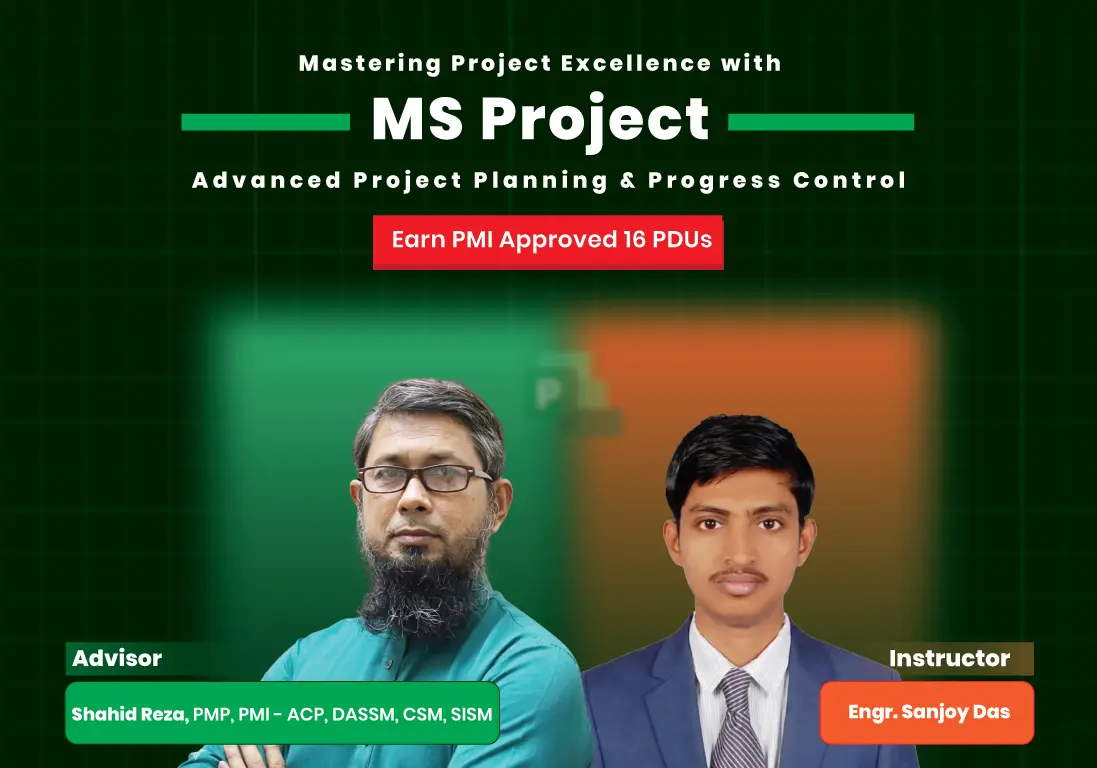
This hands-on training provides professionals with in-depth knowledge and practical skills in using Microsoft Project for effective project planning, scheduling, resource allocation, cost management, and progress tracking. Ideal for engineers, planners, project coordinators, and professionals aiming to strengthen their project control capabilities.
8 lessons
This course isn't rated yet
0 Reviews..
What You’ll Learn
By the end of this course, you will be able to:
Understand the fundamentals of project management and PMBOK-aligned principles.
Create and manage Work Breakdown Structures (WBS) in MS Project.
Develop project schedules with durations, dependencies, and milestones.
Allocate, assign, and level resources effectively.
Control project budgets and apply Earned Value Management (EVM) techniques.
Monitor project progress, identify delays, and apply mitigation strategies.
Generate professional reports, dashboards, and communication outputs.
Close projects with proper archiving and lessons learned documentation.
Course Summery
⏱️ Training Duration: 16 Hours (2 Hours × 8 Modules)
▶️ Course Type: Pre-Recorded
♾️ Access Validity: Unlimited Access for Two Years (Recordings, Resources & Updates)
💬 Community: Dedicated WhatsApp Group
📜 Certificate: Certificate of Completion
🖥️ Software Setup Help: Guidance for MS Project installation
📊 Hands-On Training: Live demonstrations with real examples
📘 Course Materials:
lecture slides & notes (PDF)
Project demo files & supporting content
EVM calculation templates
🎥 Recorded Sessions: Lifetime access for review
📂Sample Project Files: Practical case studies for practice
Civil Engineers, and Project Engineers,
Planners and Schedulers working on infrastructure or construction projects
Graduate Students in Civil/Construction/Project Management
Professionals aiming to strengthen project control and reporting skills
PMP® aspirants and anyone seeking practical knowledge in MS Project
What is Project? Project Management? Project Planning?
Basic Principles of Project Management (PMBOK-Aligned)
Introduction to Microsoft Project: Features and Benefits
Navigating the Interface: Ribbon, Views, Tables, and Backstage
Locating and Using Commands Effectively
Creating and Saving New Projects
Configuring Basic Project Settings
MS Project – Calendars
Creating a Project from an Excel Workbook
What is Project Scope? Scope Management Process Overview
Creating and Structuring a Work Breakdown Structure (WBS)
WBS Elements: Work Packages, Tasks, and Activities
Creating a Project from a Template
Adding, Editing, and Organizing Project Tasks
Creating Summary Tasks and Subtasks
Understanding Manual vs Auto Scheduling
Setting Up Calendars in Project
Defining Working and Non-Working Time
What is Schedule Management? Key Processes Explained
Setting Task Relationship in Scheduling, Durations
Dependencies & Logic: Link Tasks with FS, SS, FF, SF
Predecessor, Successor, Lead, Lag, Float and Slack
Understanding the Critical Path
Schedule Compression and Reserve
Task Constraints and Deadlines
Creating Milestones and Recurring Tasks
Task Linking, Inactivation Task & Reorganization
Introduction to Resource Management and Key Processes
Understanding Resources and Types (Work, Material, Cost)
Creating and Configuring Work and Material Resources
Setting Up Costs for Work and Material Resources
Entering and Assigning Resources to Tasks
Configuring Resource Calendars and Availability
Resource Leveling and Resolving Overallocation
Visualizing Assignments Using the Team Planner View
Overview of Cost Management and Budget Control
Assigning Costs to Resources, Tasks, and Project Components
Earned Value Management (EVM) Principles
Creating and Interpreting Cost S-Curves
Establishing Cost Baselines & Monitoring Variance
Comparing Actual vs Planned Costs
Key Cost Metrics: CPI, CV, SPI, SV
Viewing and Analyzing Project Costs
Setting Project Baselines for Scope, Time, and Cost
Updating Task Progress (% Complete, Actual Start/Finish, Remaining Work)
Tracking Progress Using the Tracking Gantt View
Progress Measurement Techniques and Best Practices
Creating and Analyzing Progress S-Curves
Mitigation Strategies for Delays
Crashing Techniques to Accelerate the Schedule
Updating and Reporting Task Progress
Comparing Actual vs Planned Progress and Variance Analysis
Using Tracking Gantt View
Project Progress – As Built Status
Mitigation & Acceleration Plan
Creating Reports & Dashboards
Visualizing Data with Charts and Tables
Custom Reports and Visual Reports
Legend and Print Page Setup
Exporting and Printing Project Views
Finalizing and Archiving the Project
Conducting Lessons Learned Session
Capturing Successes, Challenges, and Recommendations
Project Review and Administrative Closure
Price of the course is 5000 bdt.
No relevant courses were found
This course isn't rated yet
.9f098779.png&w=3840&q=75)